
GitHub Universal Modder: Install & Use
Use Claude Code to inspect PC games you own, build mods, and verify them in game with the Universal Modder toolkit.
About Universal Modder
Universal Modder combines agent skills, the um CLI, a fal MCP integration and shared field notes for AI-assisted PC game modding. It guides an agent through identifying the game engine and a viable modding route, inspecting code, making a small working change, and testing the result in the running game. It is a toolkit for creating mods, not a download of finished mods or a replacement for game-specific loaders.
- Engine reconnaissance and modding-route planning for locally installed PC games.
- Agent skills and the um CLI for inspection, assets, testing, packaging and field notes.
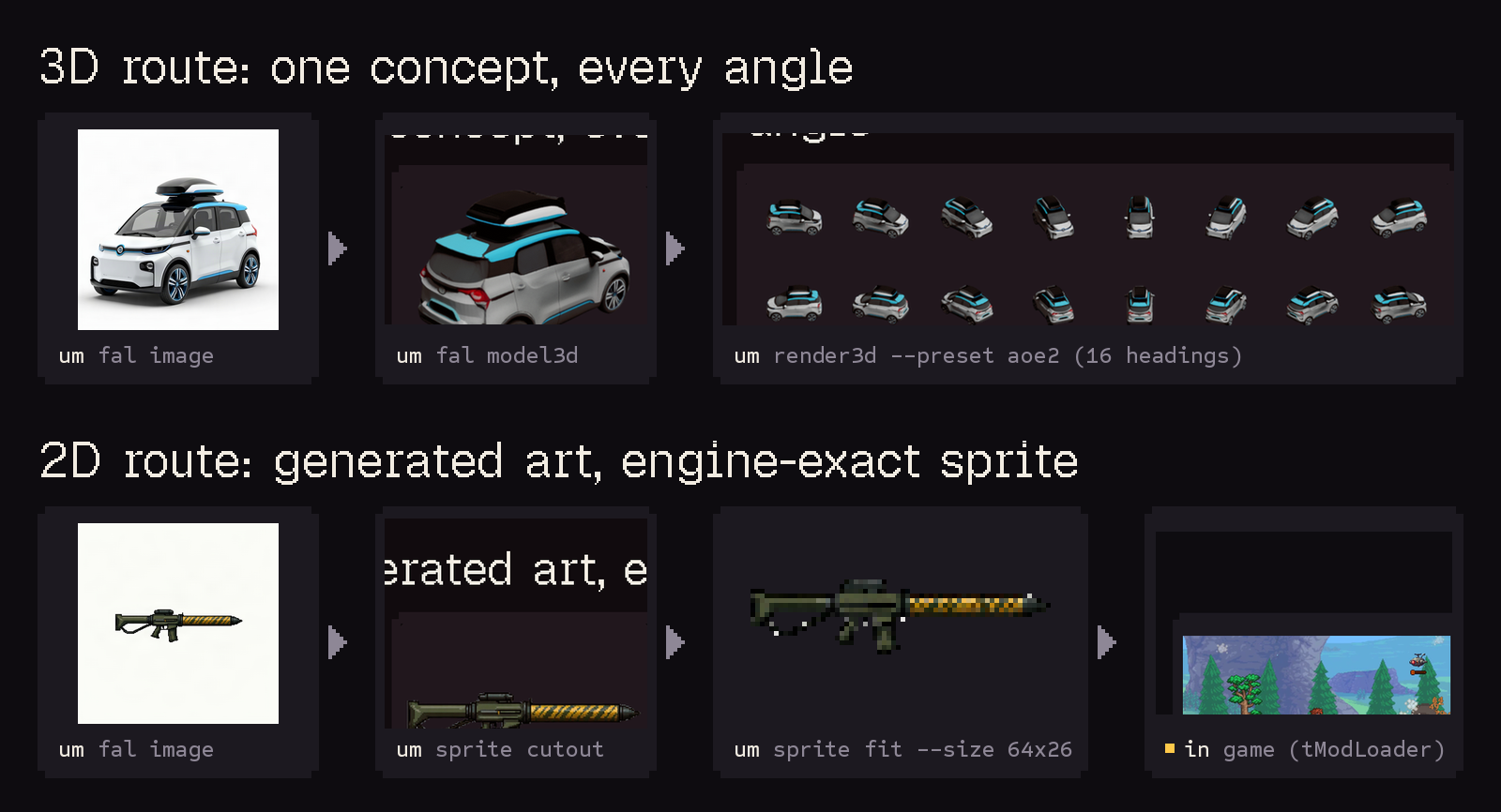
- Optional fal asset generation for images, 3D and audio; a separate fal key is needed for that workflow.
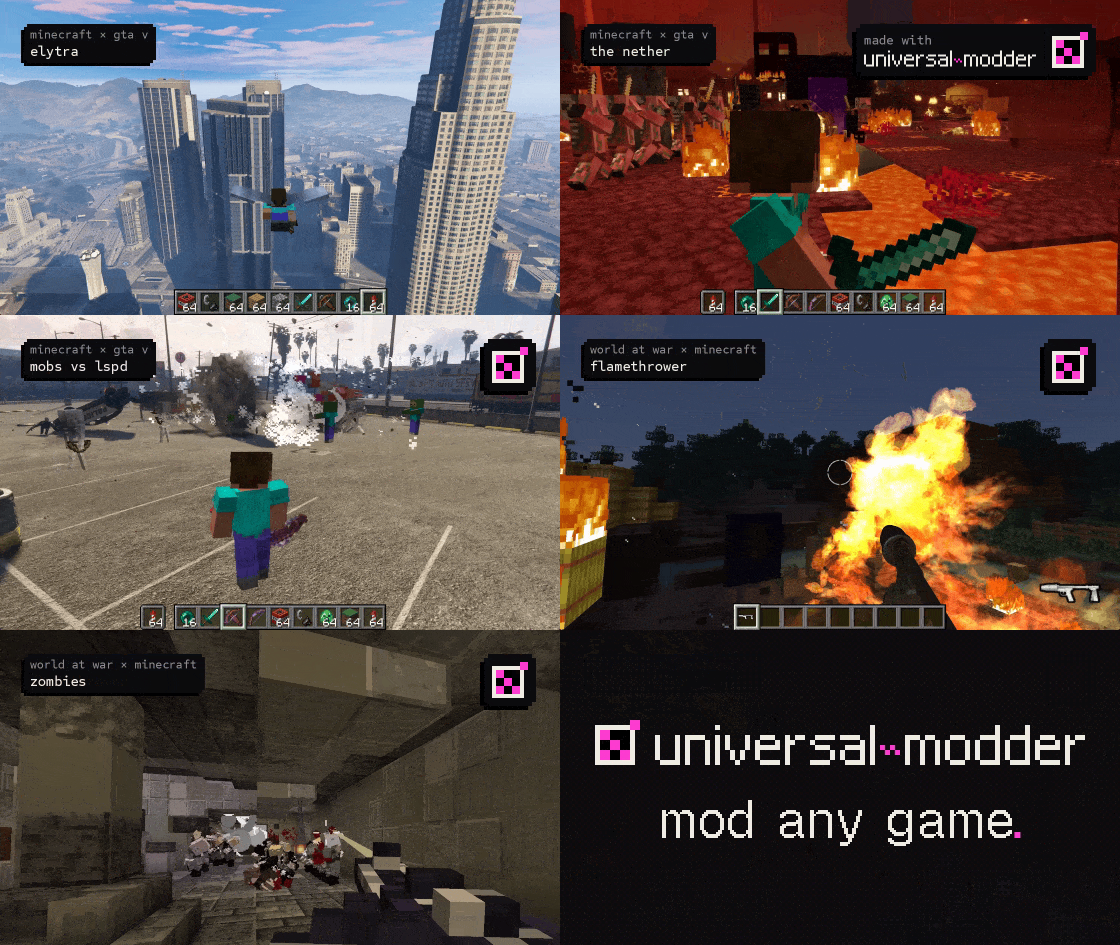
Project demo
Before installing
- A PC game you own and can inspect locally. Back up saves and begin in a separate test environment.
- Git, Python 3.10+, and ffmpeg. The maintainer recommends uv.
- Asset generation with fal requires an API key; local ComfyUI image generation does not. Rendering 3D models into sprites also needs Blender.
Windows games are driven natively or through WSL. Running the agent on macOS or Linux does not make a Windows game or its loader compatible with that system.
How to install
Start a Claude Code session, then run these two slash commands there, one at a time. They are not system terminal commands.
Claude Code
/plugin marketplace add rehan-remade/universal-modder
/plugin install universal-modder@universal-modder
This installs the toolkit, not a game or a finished mod. Configure optional asset generation separately as documented by the maintainer.
Getting started
After installing the plugin inside Claude Code, start with a PC game you own. Ask for an engine and loader assessment first, back up saves, then request one small change and verify it in the running game. Read the maintainer README for supported agents, dependencies and the full workflow.
Before you use it
Review the project instructions and requested tool access, then try a small task. This directory checks sources and setup notes; inclusion is not a code security audit.
First run
- 1Run the two plugin commands above inside a Claude Code session and confirm the plugin is installed.
- 2Give the agent the game and install location. Ask it to identify the engine, existing modding route, and constraints first.
- 3Review the plan, build one small change, verify it in the running game, then decide whether to expand it.
A useful first prompt
Inspect C:\Games\Foo. What engine does it use, and what modding routes are known for this version? Search the knowledge base and give me a plan, required tools, and risks before changing any game files.
The first result should be reconnaissance and a reviewable plan. Building a mod still needs a concrete change and in-game verification.
What each part does
Agent Skills
Guide the agent through game reconnaissance, choosing a modding route, building a small working slice, and verification.
um CLI
Use um scan to identify installs and engines, um backup to protect saves, plus asset and publishing checks.
Knowledge base
Look up prior field notes by game and version, including routes, verification, and common pitfalls.
fal MCP / um fal
Generate image, 3D, audio, or video assets when needed; a separate fal API key is required.
um comfy
Generate images through a local ComfyUI server, which you must set up and run yourself.
Frequently asked questions
- Is this a download for a finished game mod?
- No. It is a toolkit for an AI coding agent to build and test mods. A particular game may still need its own community loader or build steps.
- Can I start without fal?
- Yes. Begin with placeholder or existing assets. For local image generation, um comfy can use a running ComfyUI server without a fal API key.
- Does it work with every PC game?
- The project aims for broad PC game coverage, but completion is not guaranteed. The route depends on the game version, engine, loader, and operating environment.